Every channel starts in review mode: you approve each message. Auto Pilot lets well-checked, low-risk work go out by itself. Only you can switch it on, in the app; your AI can switch it off but never on.
The switches
Open Settings and look at each teammate’s Automatic actions.
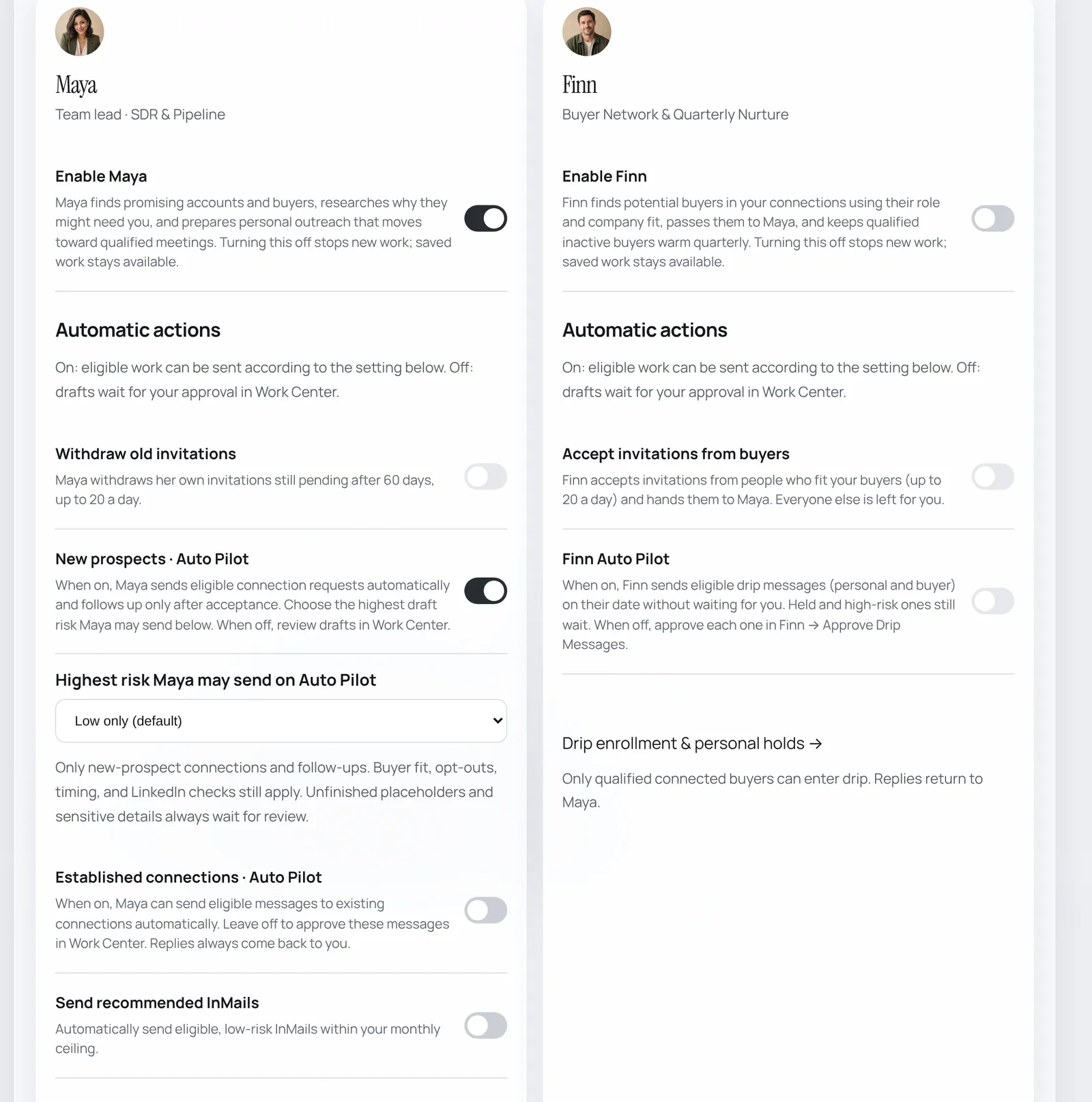
- New prospects · Auto Pilot: Maya sends eligible connection requests, and follows up only after someone accepts.
- Highest risk Maya may send on Auto Pilot: start with Low only (default). Buyer fit, opt-outs, timing and LinkedIn checks always apply, and anything sensitive waits for you.
- Established connections · Auto Pilot: messages to people you are already connected to. Most people leave this off; relationships are worth your eyes.
- Send recommended InMails: low-risk InMails within your monthly InMail ceiling.
- Withdraw old invitations: tidies requests still pending after 60 days (up to 20 a day).
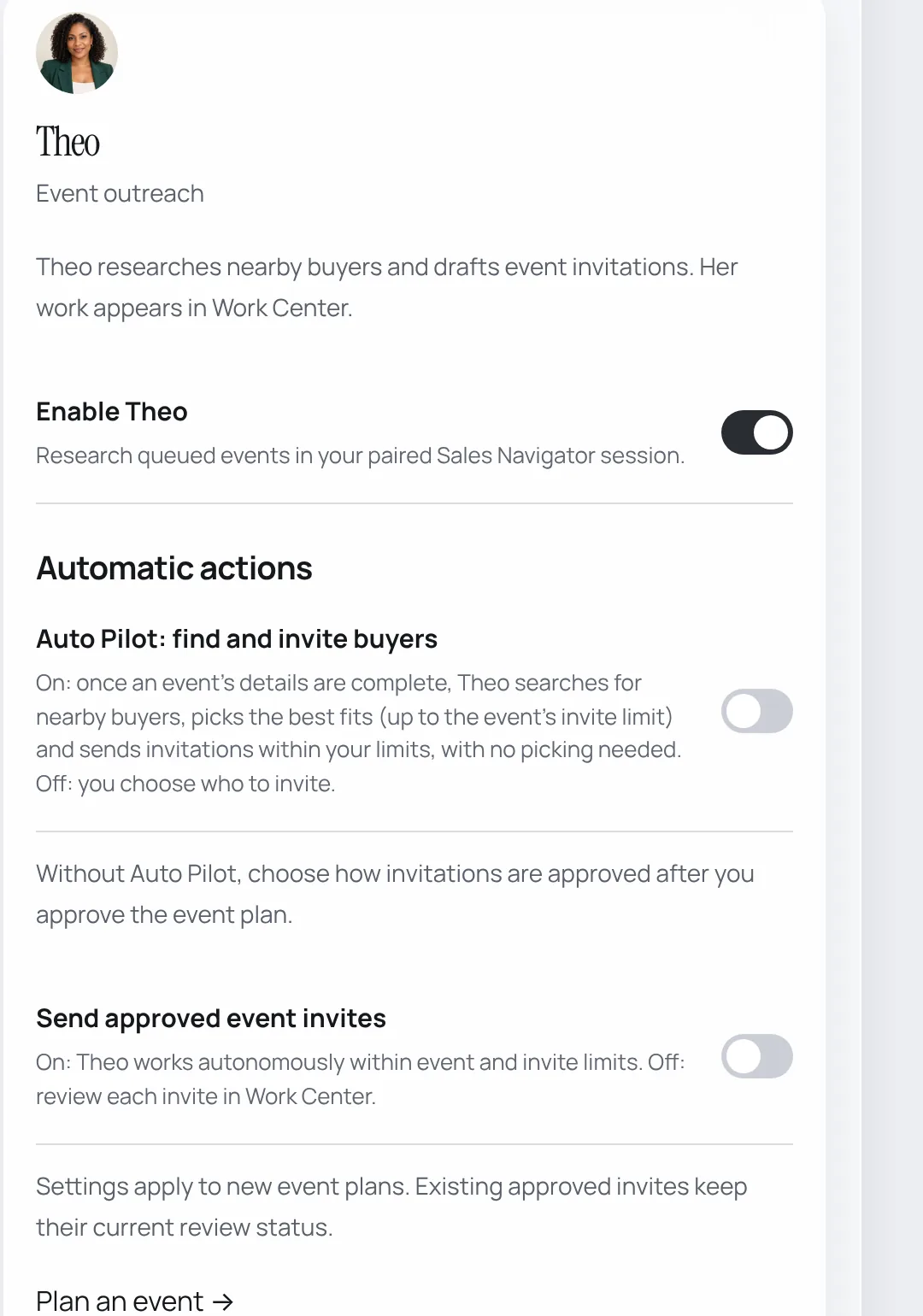
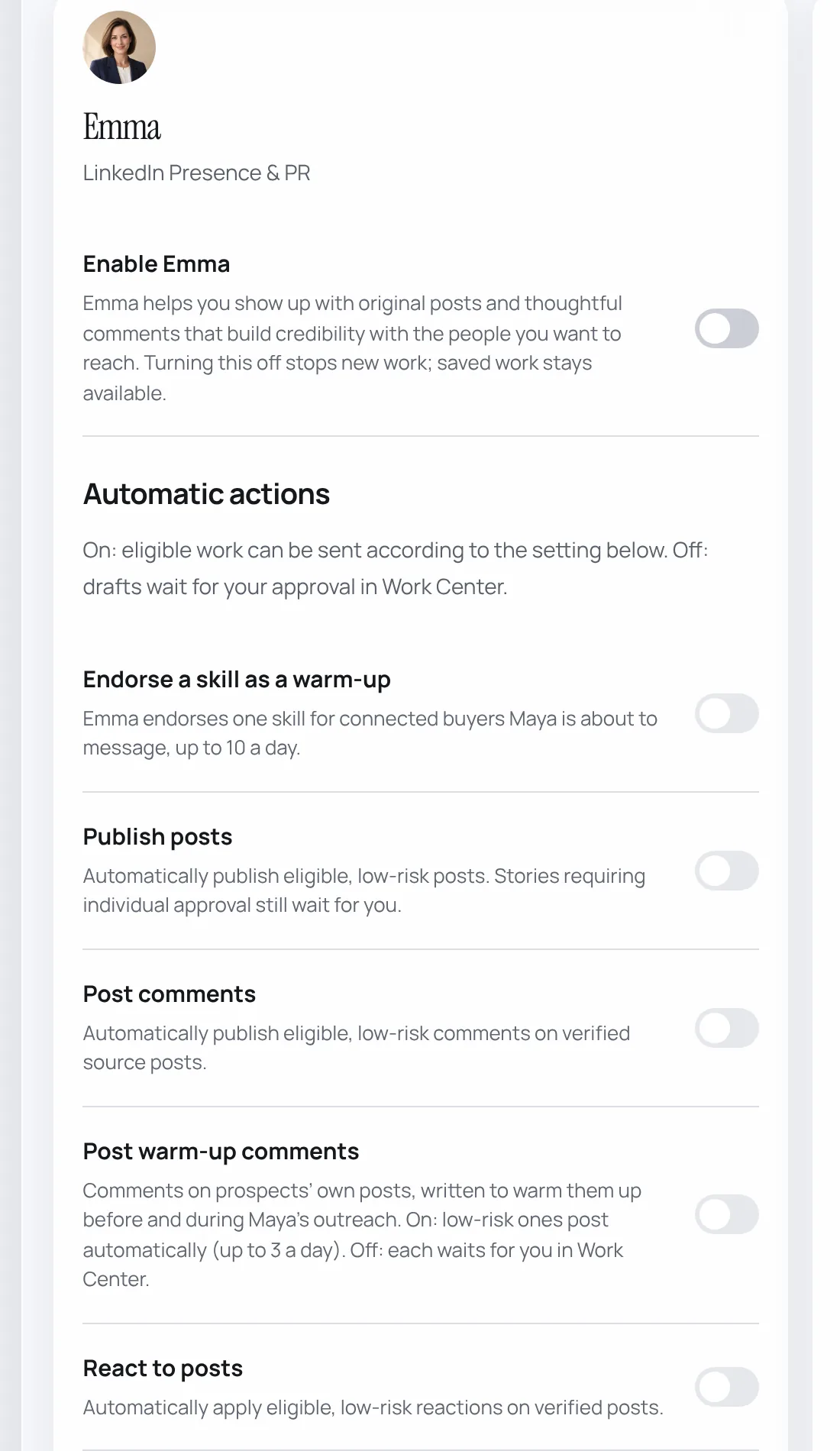
Theo and Emma
Your budget
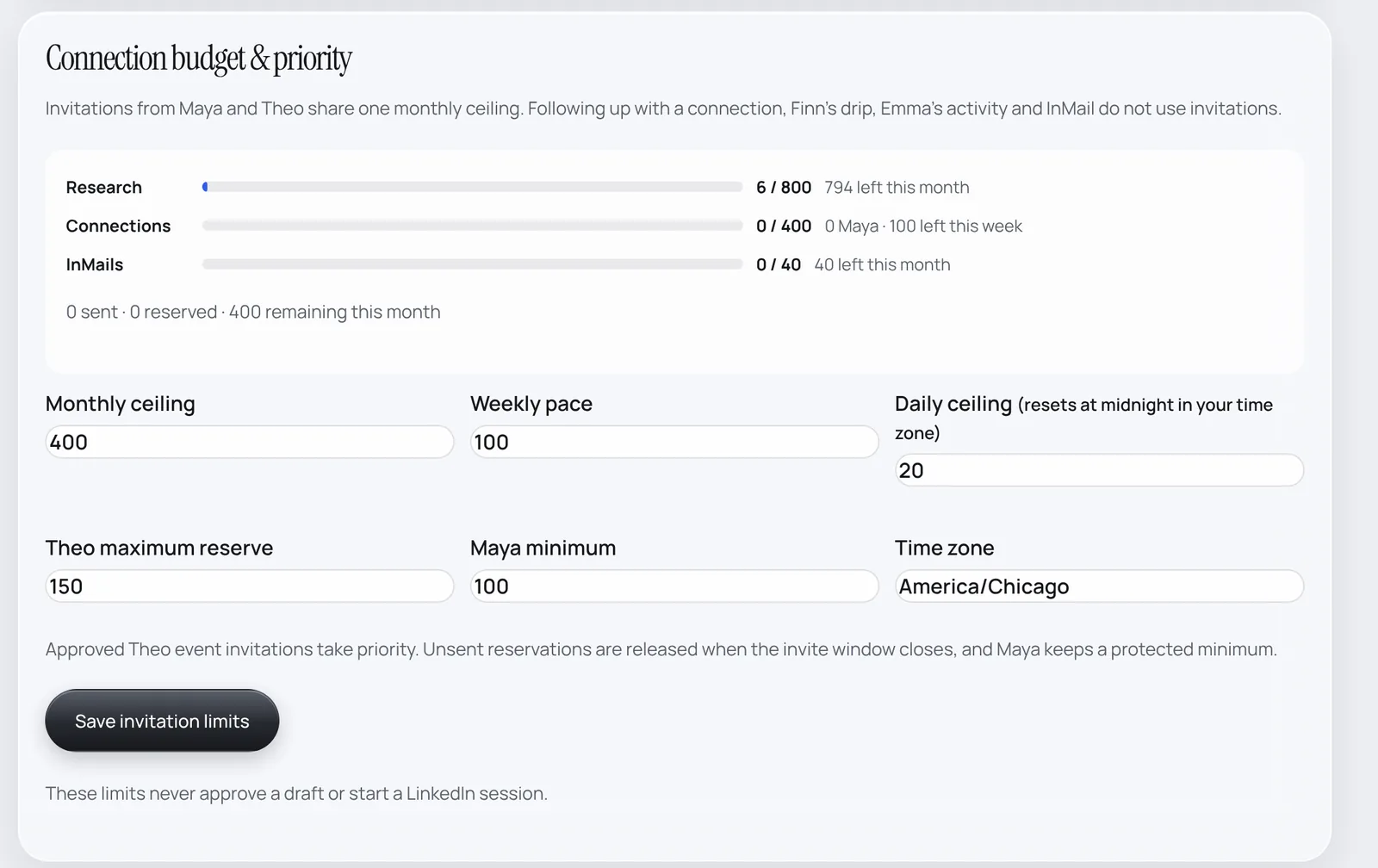
In Settings → Connection budget & priority you set the monthly ceiling (400), weekly pace (100), daily ceiling (about 20, reset at midnight in your time zone), how much Theo may reserve for events and the minimum always kept for Maya.