Targets is where you tell Maya who to look for. There are two building blocks, and you can use either or both: roles (job titles in places) and target accounts (companies you want to win).
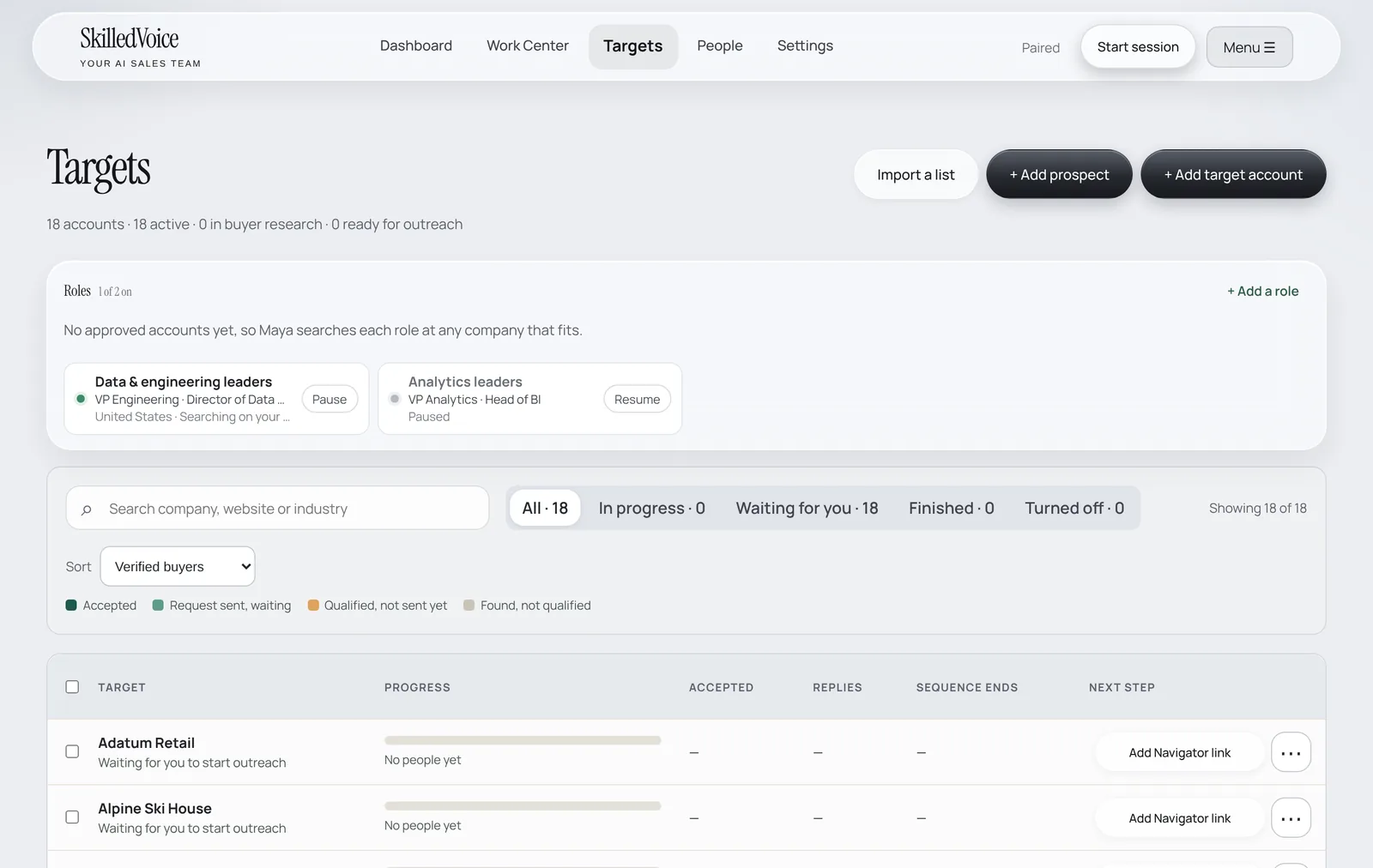
Roles
A role is a set of LinkedIn job titles, locations and (optionally) industries and company sizes, plus what you offer that kind of buyer. With approved accounts, Maya searches your roles at those accounts; with none, she searches each role at any company that fits.
- On Targets, click + Add a role.
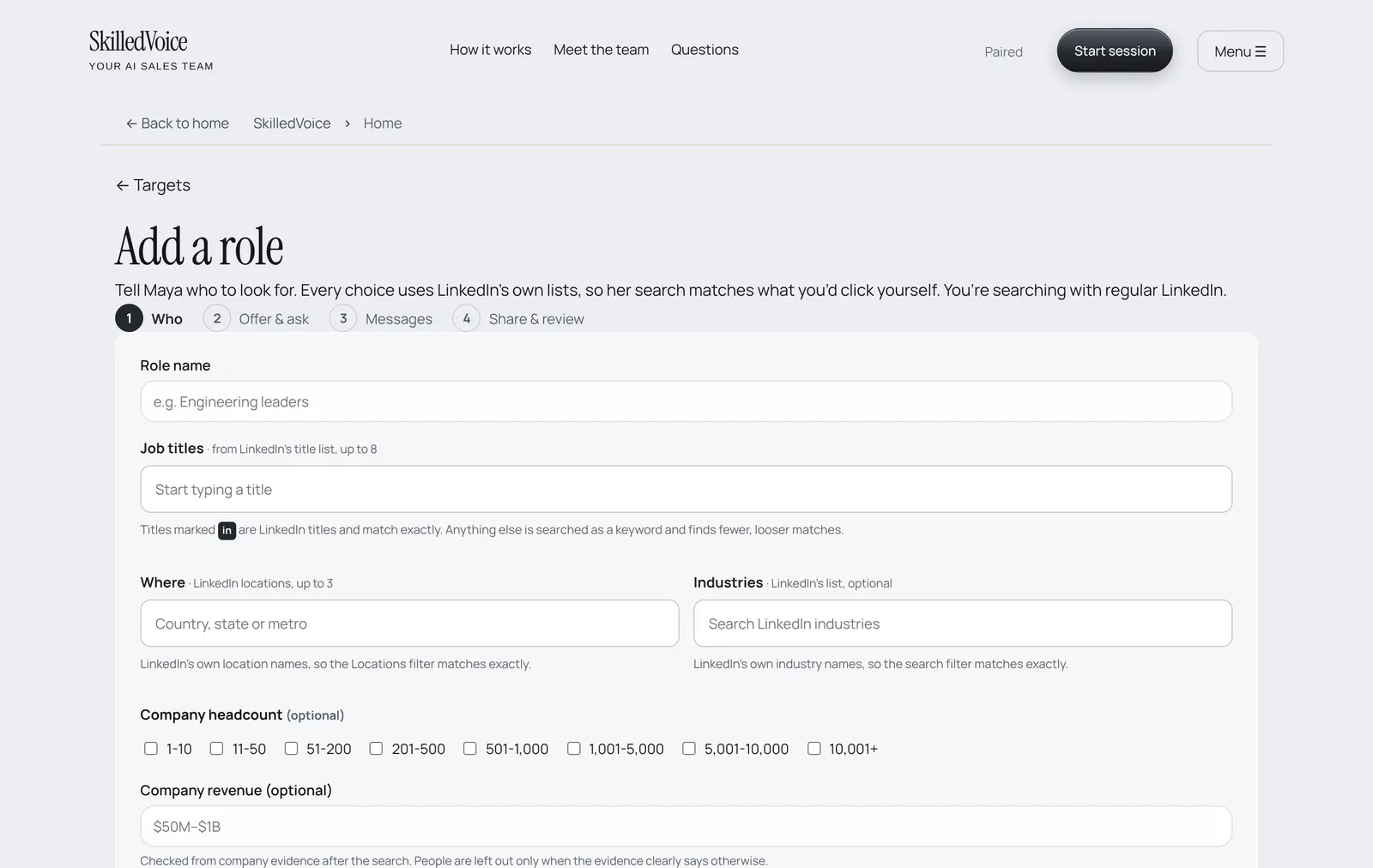
- Who: give the role a name, pick job titles and up to 3 LinkedIn locations. Industries, headcount and revenue are optional.
- Offer & ask: what this buyer gets from you, one proof point, and the one thing you want them to do (for example “open to comparing notes?”).
- Messages and Share & review: check how Maya will write to them and save.
- Use Pause and Resume on a role card to switch it off and on. At least one role stays on.
Target accounts
- Click + Add target account.
- Type a company name, website or LinkedIn company link and click Find company.
- Maya researches each account you add (annual reports, news, hiring) before she looks for buyers there.
- Using Sales Navigator? Click Add Navigator link on an account and paste its Sales Navigator company link (it looks like
linkedin.com/sales/company/12345).
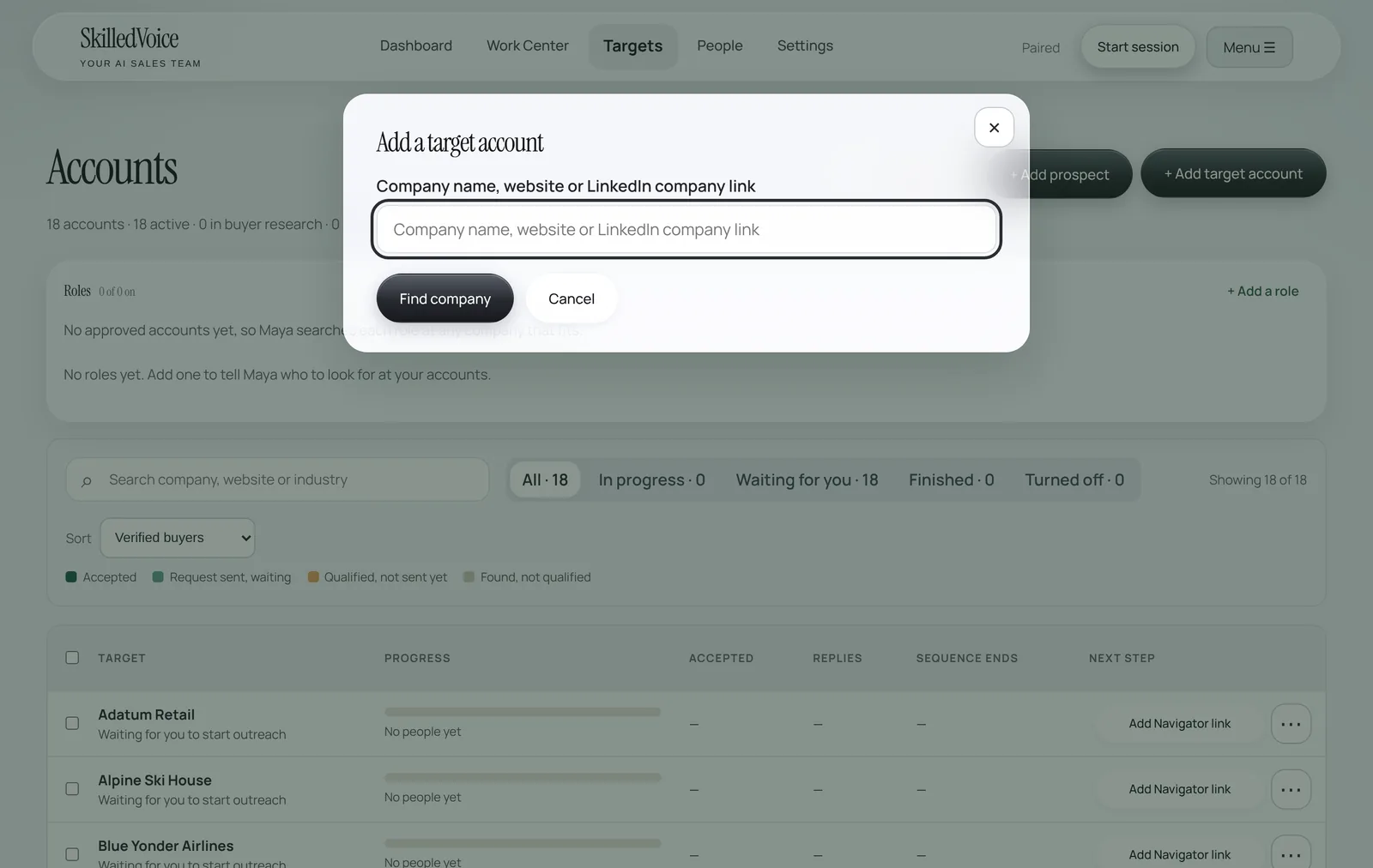
Each account row shows progress as a bar: accepted, request sent and waiting, qualified but not sent yet, found but not qualified. Use the filters (In progress, Waiting for you, Finished, Turned off) to see where each account stands.
Single prospects and lists
Already know who you want to reach? Use + Add prospect for one person (paste their LinkedIn link) or Import a list for a spreadsheet. Maya finds each person on LinkedIn, researches them and drafts the outreach. Lists you import are researched first and share your monthly research allowance.