A reply is the moment that matters. When anyone replies on LinkedIn or email, all other outreach to them stops automatically and the conversation comes to you.
Answer a reply
- Replies appear at the top of the Work Center and in People → Needs you. A red dot in the menu shows how many are new.
- Open the person. Maya suggests an answer based on the whole conversation and her research.
- Edit it in your own words and save. It goes out on the next run (or send it yourself on LinkedIn; Maya sees it either way).
- If they said no thanks, use Add to Finn’s drip so Finn keeps a light touch every few months instead of dropping them.
People
People lists everyone your team knows: their buyer fit, where they are in a sequence, what happens next and who is on it.
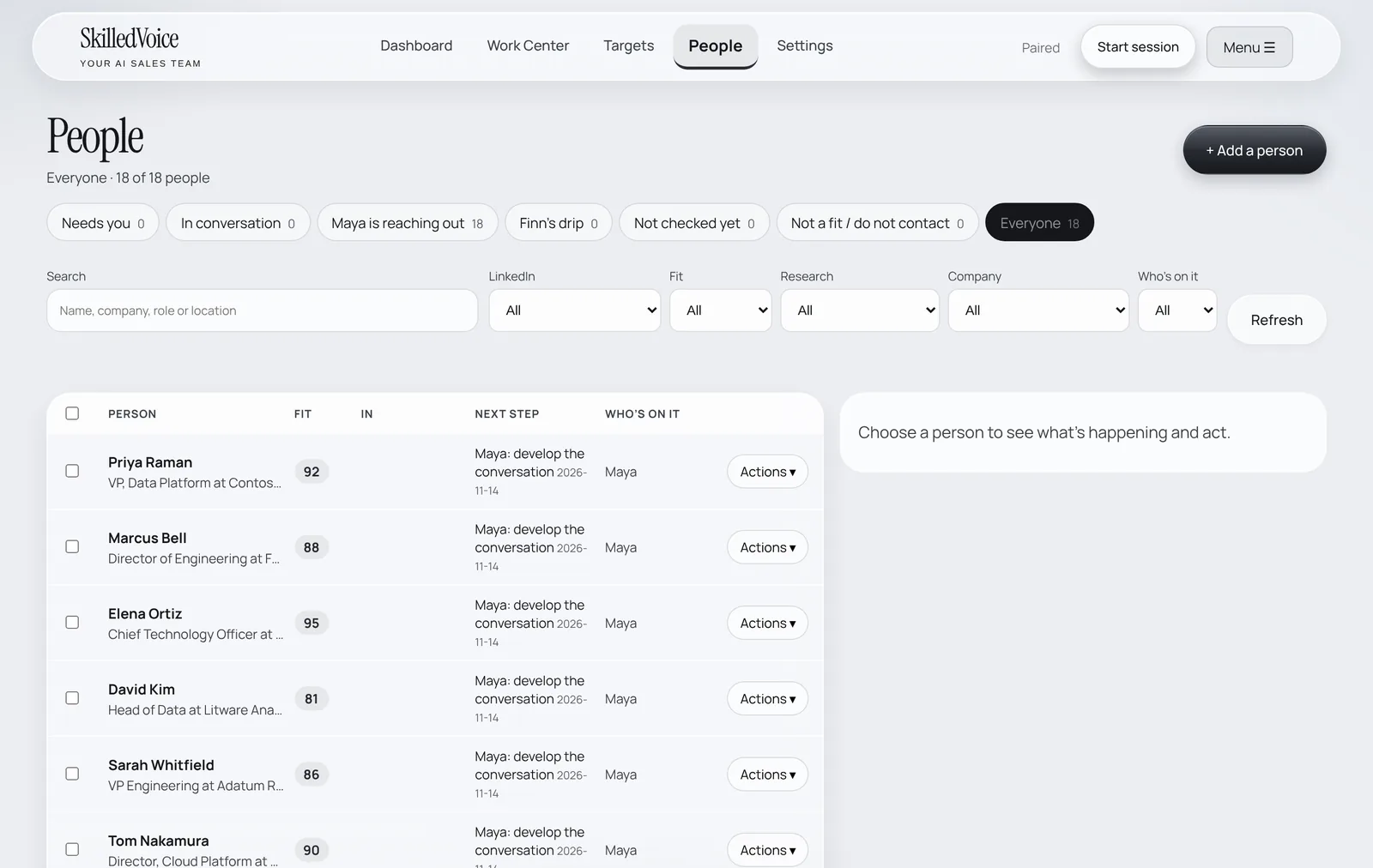
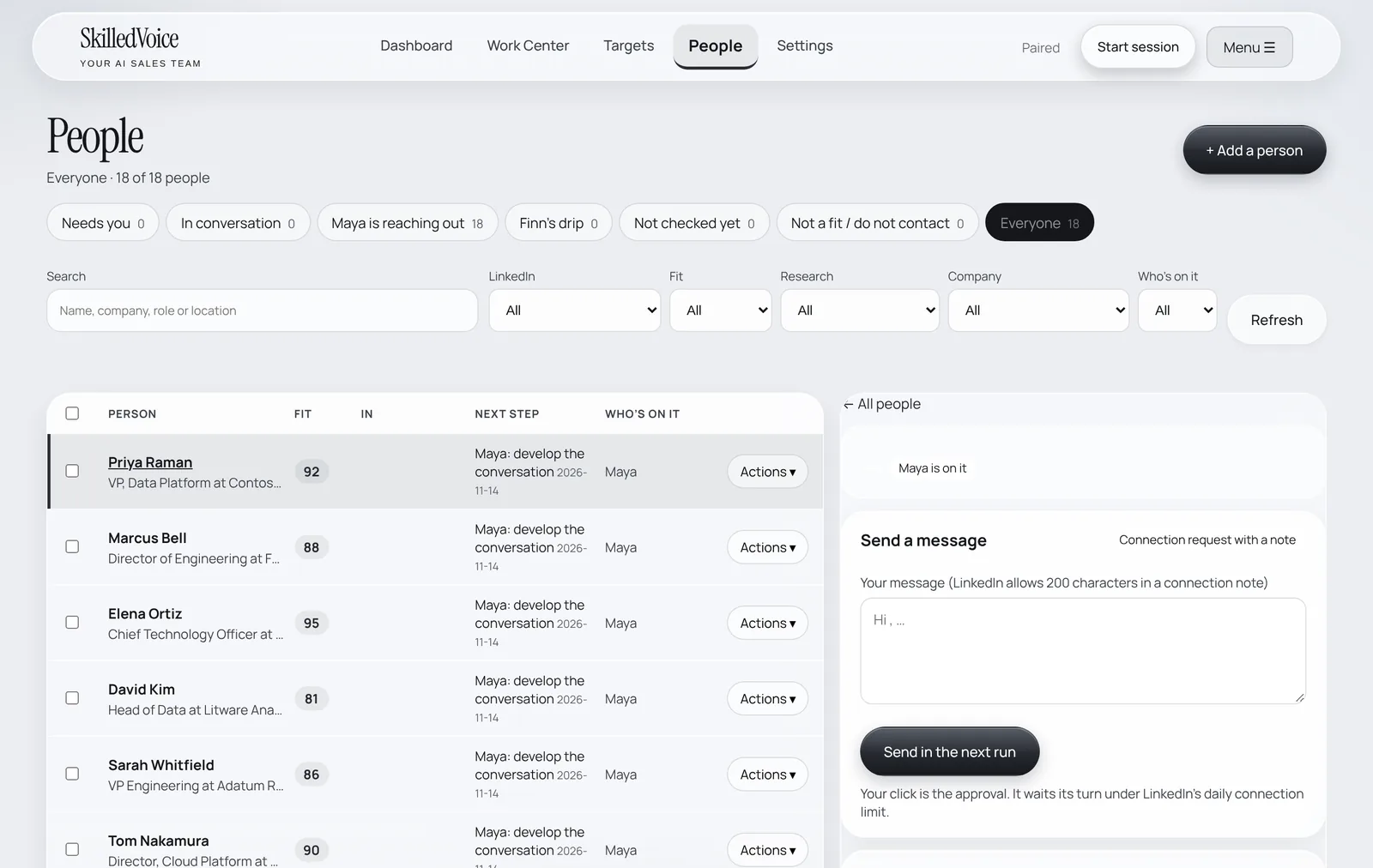
From a person you can: send a message in the next run, hold everything, hand them to Finn’s drip, add them to a campaign or event, mark them not a fit or do not contact, and leave notes Maya reads before writing.
Record a meeting
- Open the person (in the Work Center or People) and choose Record a meeting.
- Pick the date and time and add an optional note, then Save meeting.
- The person moves to the Meeting stage, Maya stops following up, and the meeting is counted on your Dashboard.
You can also log any result (meeting held, qualified opportunity, pipeline, won) with Record a result on the Dashboard.