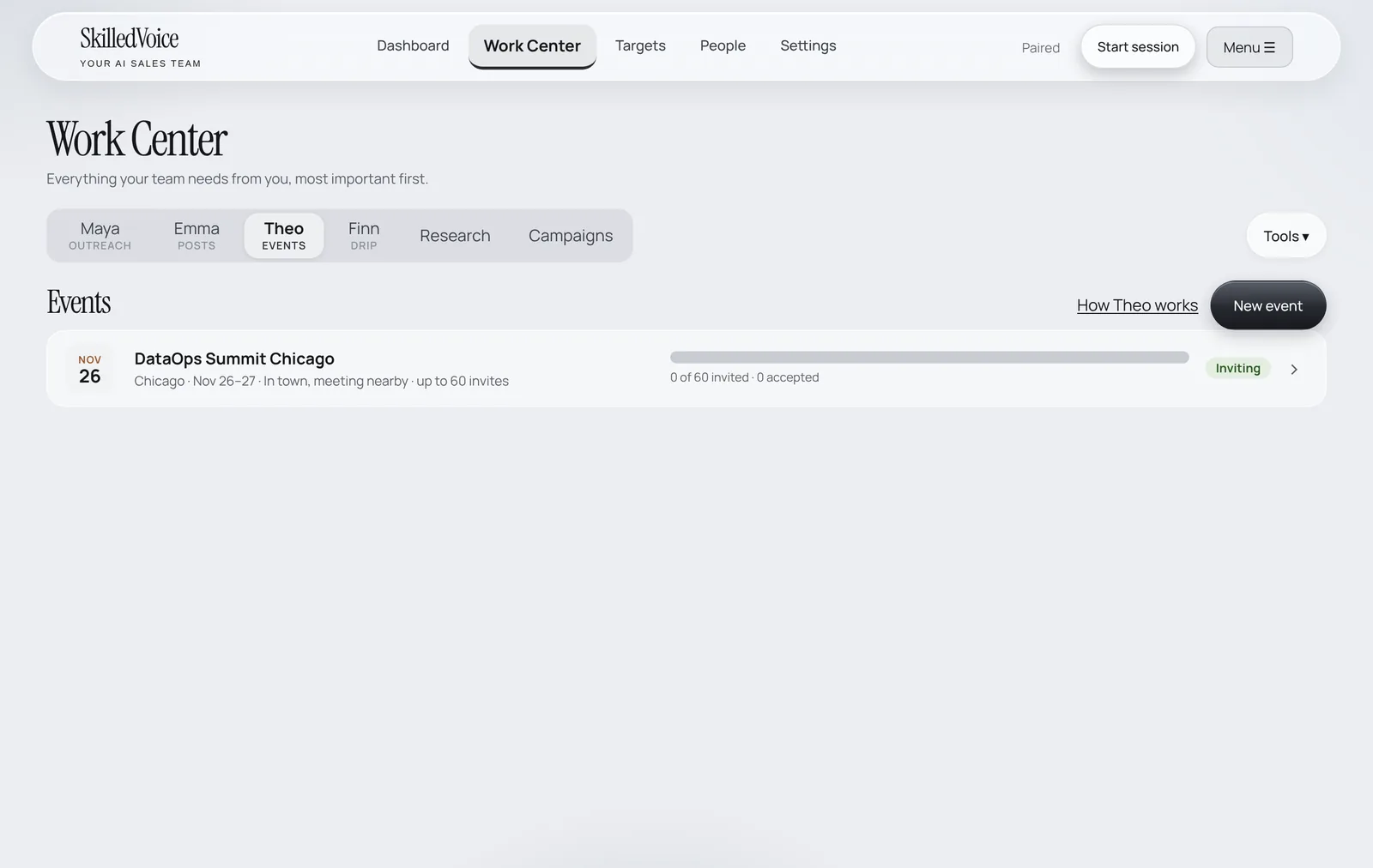
Theo turns an event into meetings. Tell her where you will be and when; she finds buyers near the venue who fit your target market, drafts personal invitations and follow-ups, and (if you want) publishes a sign-up page for an event you host.
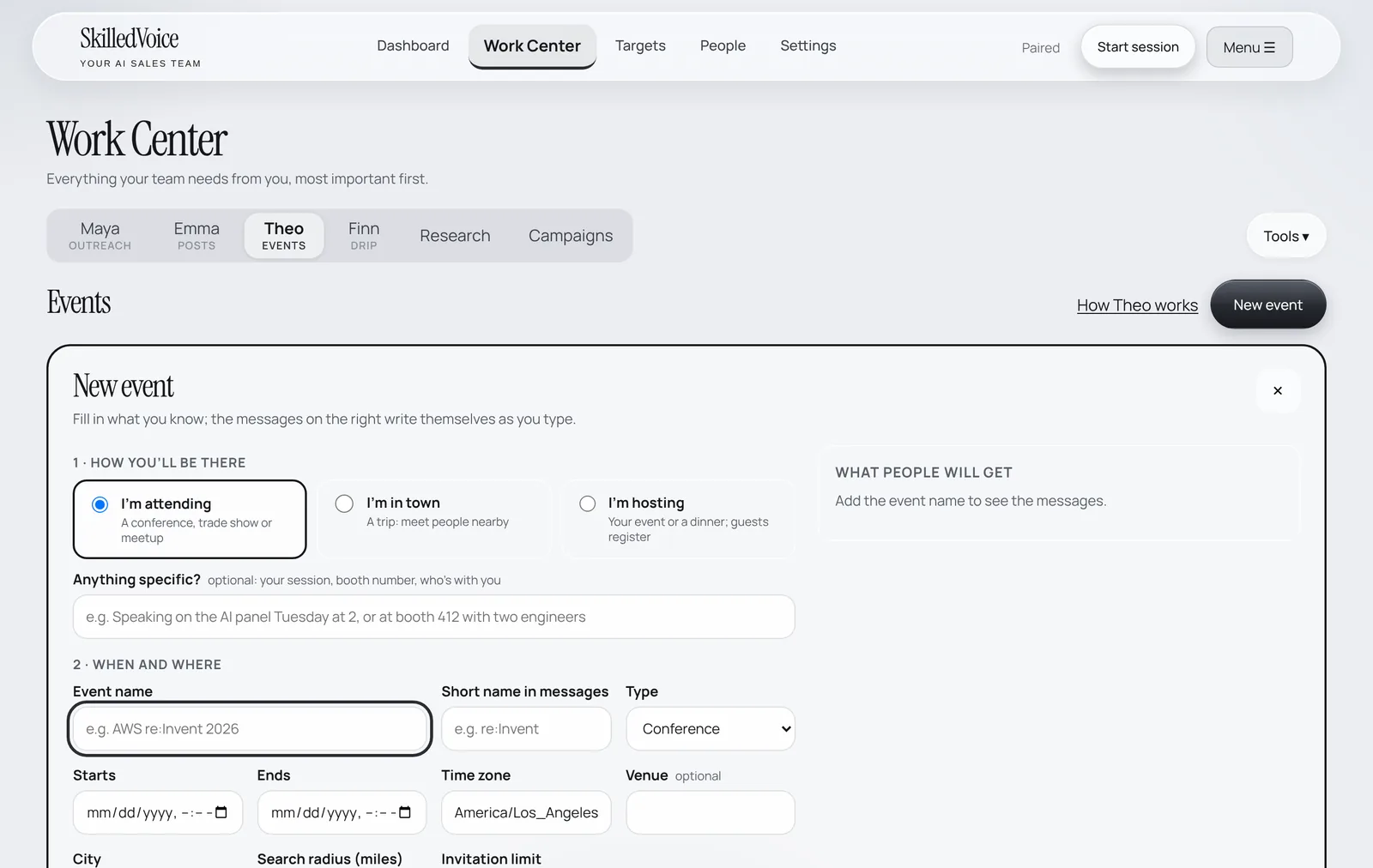
Plan an event
- Open Work Center → Theo and click New event.
- Choose how you will be there: I’m attending (a conference or meetup), I’m in town (a trip to meet people nearby) or I’m hosting (your event; guests register).
- Add anything specific (your session, booth number, who is with you), the event name and a short name for messages, dates, time zone, venue and city.
- Set the search radius and the invitation limit, and watch the message preview on the right write itself as you type.
- Save. Theo searches for nearby buyers, and you approve the plan and the invitations (unless you turned on her Auto Pilot).