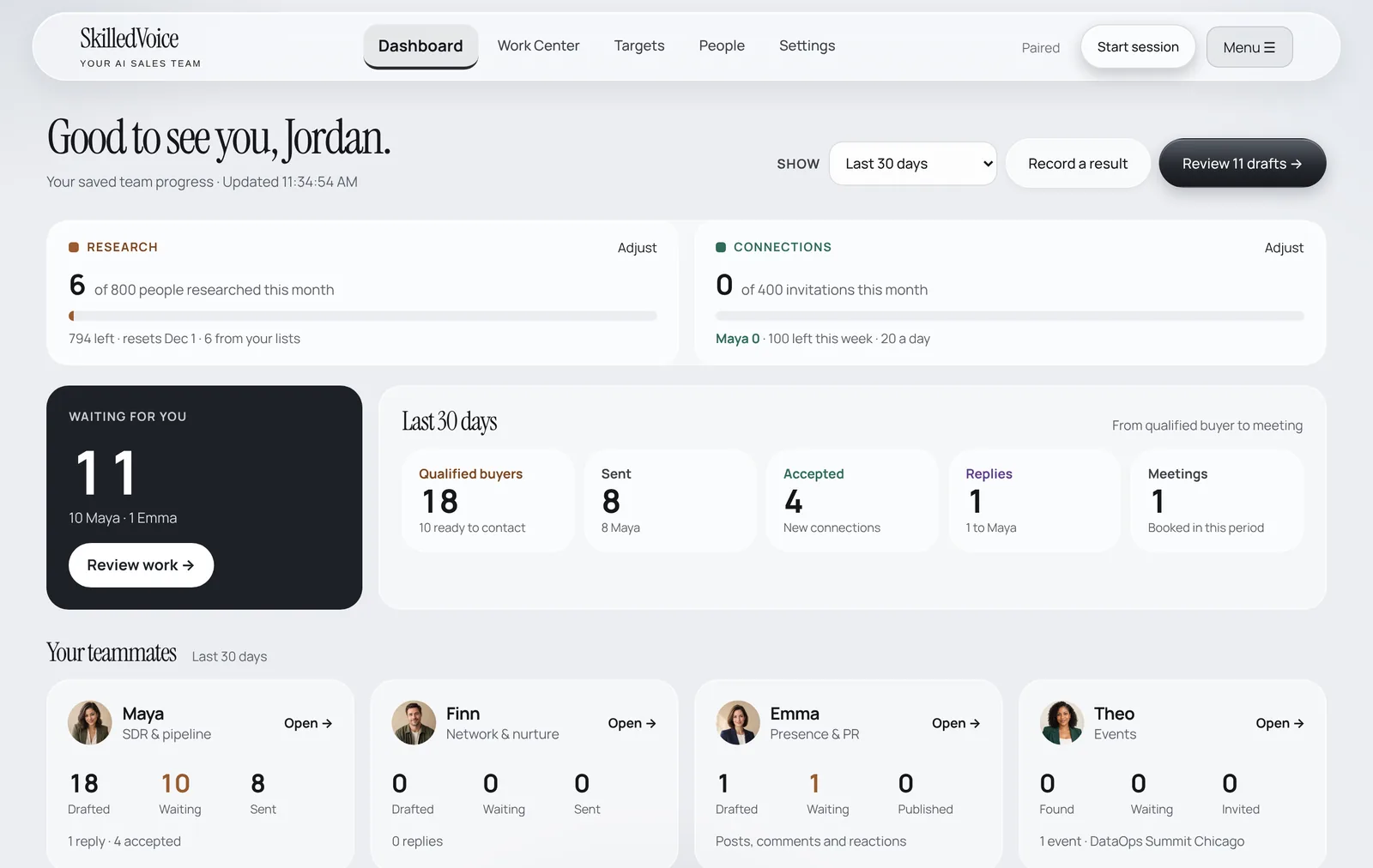
A session is when your team works in your browser: Maya researches and sends, Emma posts and comments, Finn nurtures, Theo invites to events, and everyone checks your LinkedIn inbox for replies.
Start a session
- Make sure the header says Paired and your LinkedIn tab is open in the same browser.
- Click Start session at the top of any SkilledVoice page.
- Leave both tabs open. You can use other programs; just don’t close the browser or let the computer sleep.
- When the run ends you get a short summary of what your team did. Click Pause (or Pause companion in the extension) any time to stop new work.
What happens during a run
- Replies first. Maya reads your LinkedIn inbox. Anyone who replied is taken out of every sequence and put in front of you with a suggested answer.
- Approved work goes out. Things you approved (and, if you switched it on, Auto Pilot work that passed the draft check) are sent at a human pace with pauses between actions.
- New research. Maya researches accounts and buyers and prepares the next drafts for your review.
- Housekeeping. Old invitations still pending after 60 days are withdrawn, so your pending count stays healthy.
Daily limits
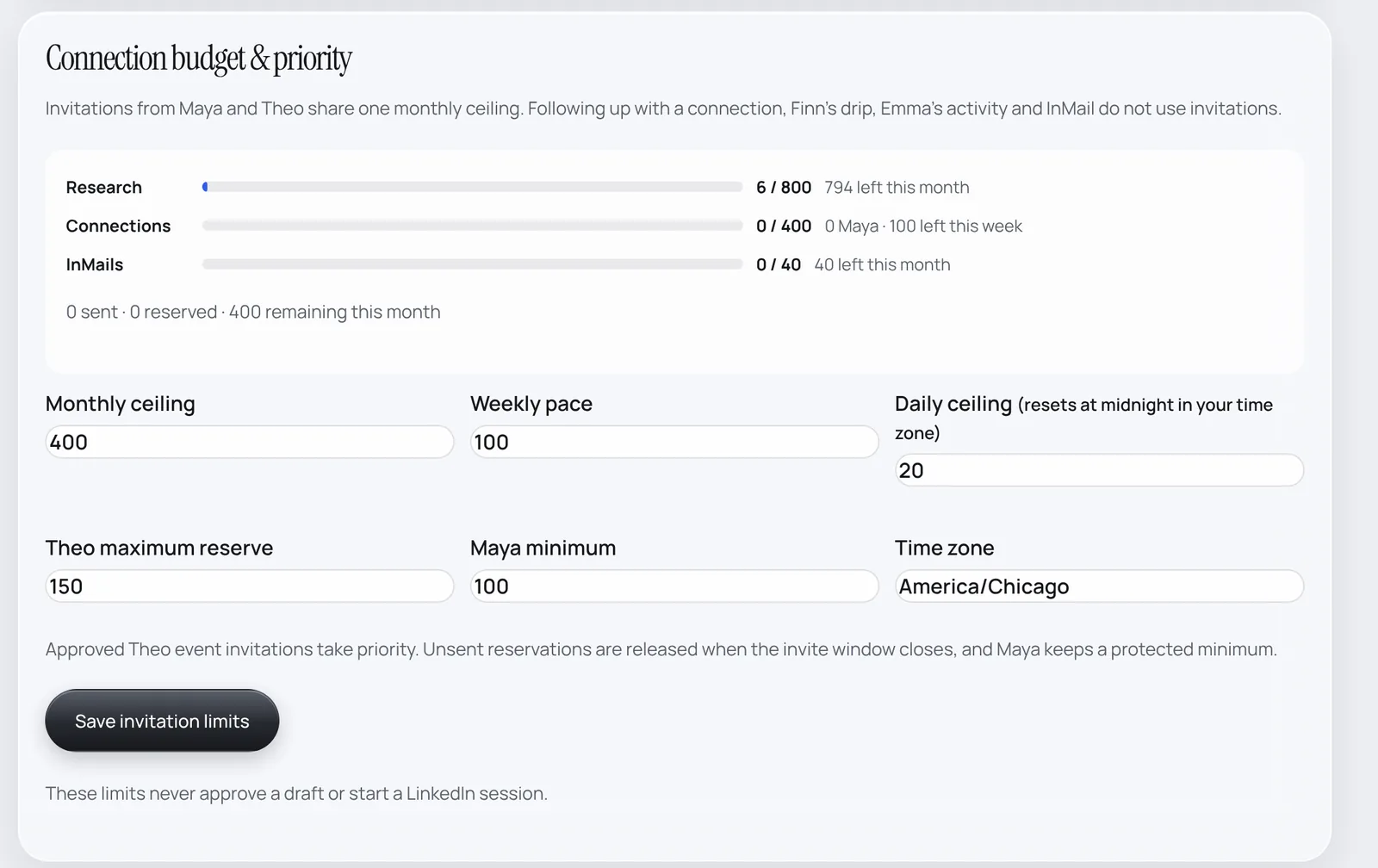
LinkedIn watches volume, so SkilledVoice paces everything. The default is about 20 connection requests a day, shared in this order: Theo’s event invites (time-critical), then campaign people, then Maya’s account work. The daily count resets at midnight in your time zone, so a batch sent at 8 PM doesn’t block the next morning.
The best daily routine
9:00 AM · Your AI starts Maya on your always-on PC.
During the morning · Your AI tells you when someone replies, with a suggested answer.
Ten minutes, once a day · Open the Work Center, approve what looks right, fix what doesn’t.
See Run Maya on a schedule for the exact words to give Claude.