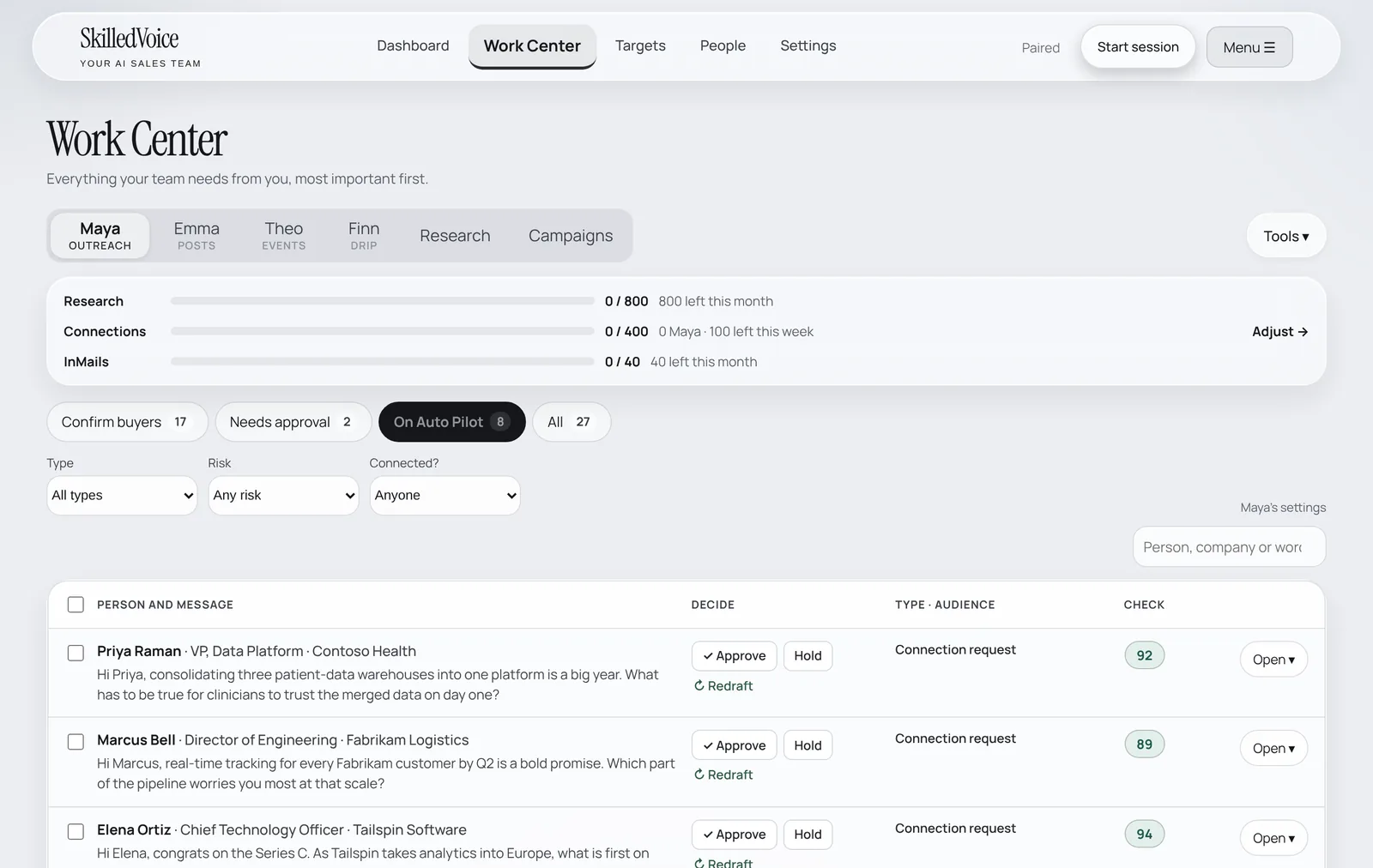
The Work Center is everything your team needs from you, most important first. Nothing Maya writes goes out until you approve it, unless you switch a channel to Auto Pilot yourself.
The four views
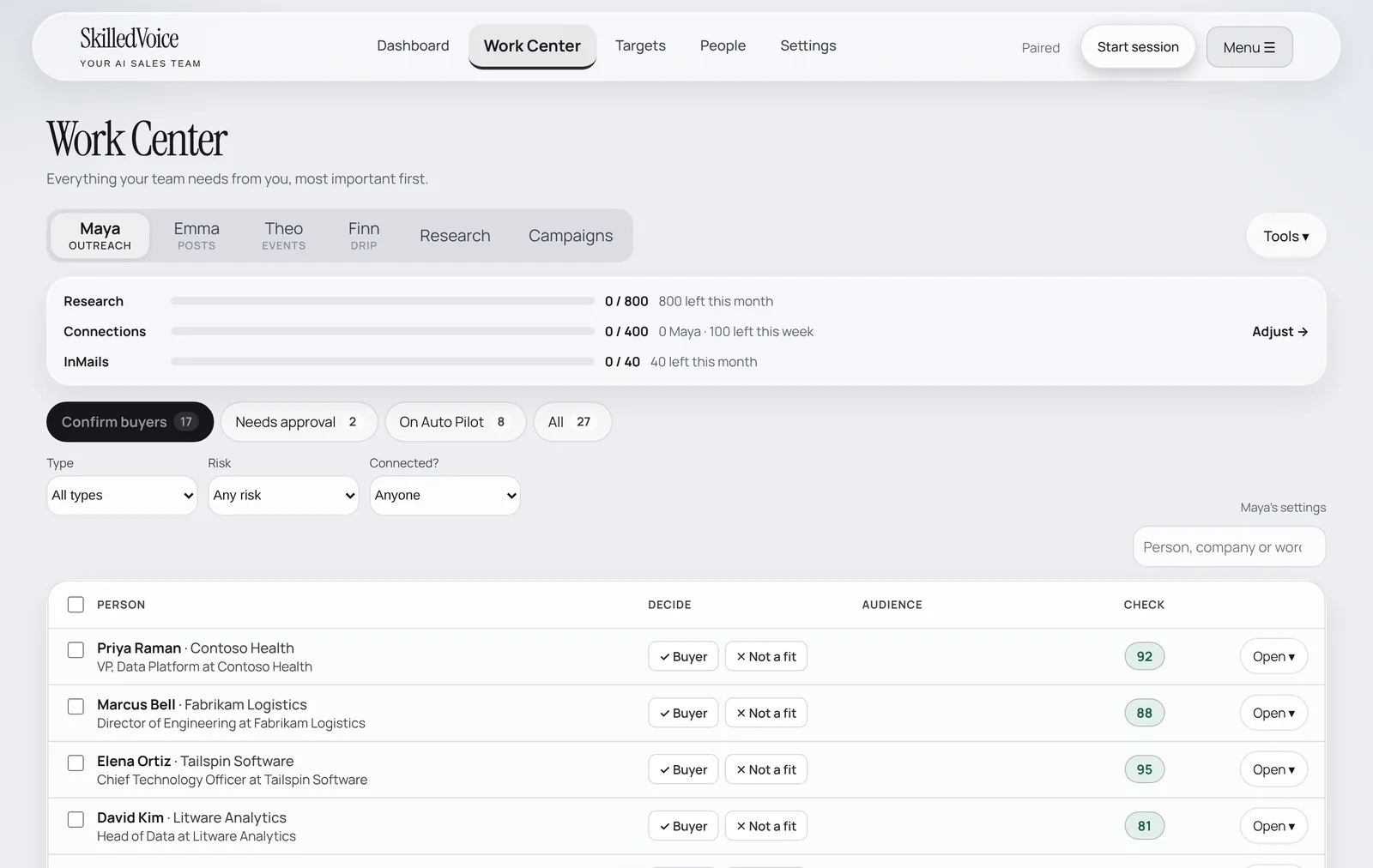
- Confirm buyers: people Maya thinks are buyers but wants you to confirm. Click ✓ Buyer or ✕ Not a fit. Takes seconds and makes every future draft better.
- Needs approval: drafts waiting for your OK.
- On Auto Pilot: drafts that passed the draft check and will go out by themselves (if you turned Auto Pilot on).
- All: everything, including what is scheduled and already sent.
Use Type, Risk and Connected? to narrow the list, or search by person, company or wording.
Approve, edit or hold
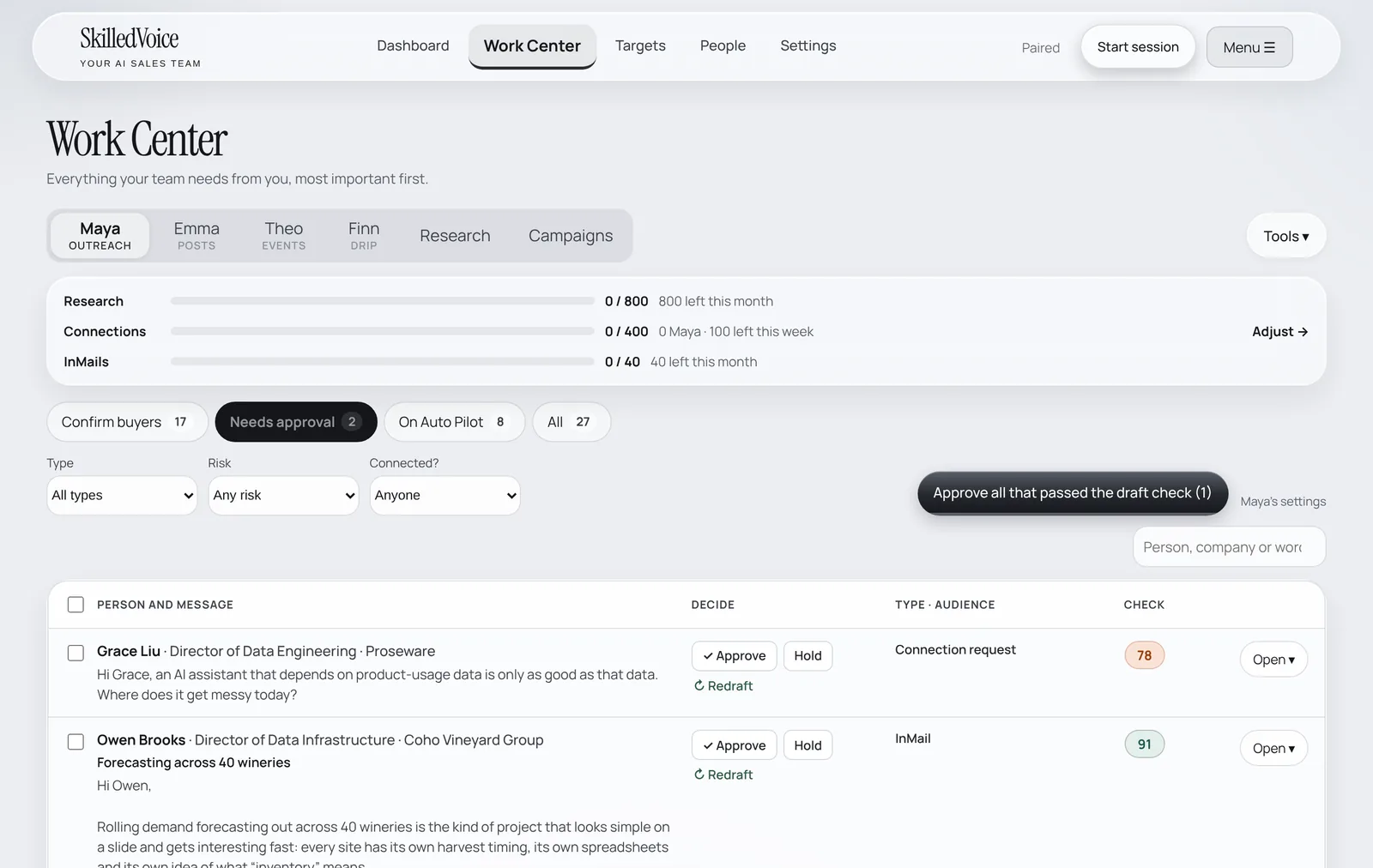
- Read the message in the row. The Check score is Maya’s own review of the draft (specific, accurate, one clear question, sounds like you).
- Click ✓ Approve to send it on the next run, Hold to keep it back, or Redraft to have Maya write it again.
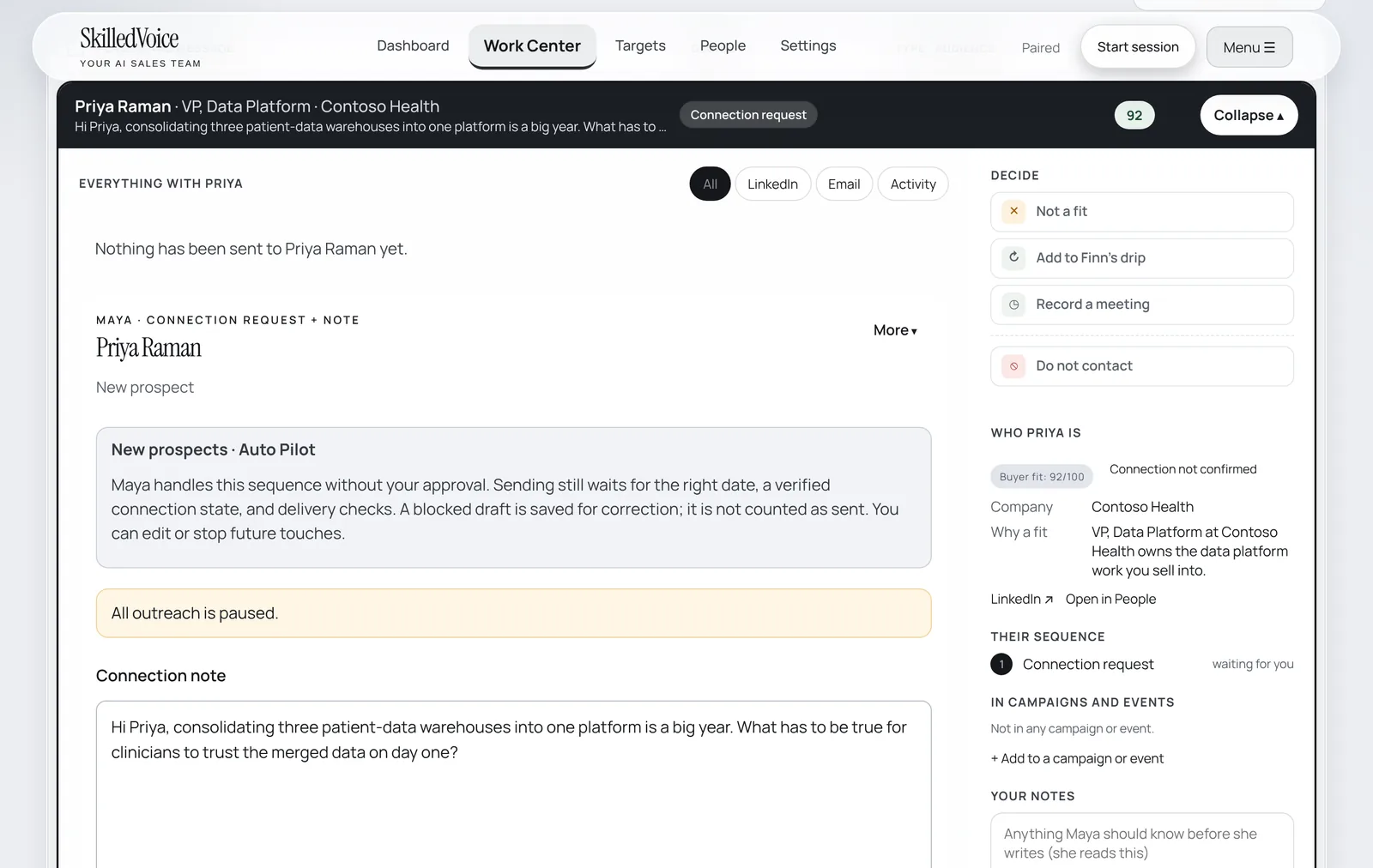
- To change the wording, click Open. You get the full conversation, Maya’s research and the draft, which you can edit directly.
- Short on time? Approve all that passed the draft check approves every draft scoring 85 or more in one click.
On Auto Pilot
When you switch on New prospects · Auto Pilot in Settings, connection requests (and the follow-up after someone accepts) that score 85 or more go out without waiting for you. You can still open, edit or hold any of them before they are sent. See Auto Pilot and limits.